
Confirmed supply current: 35 mA at 12 VDC or 25 mA at 24 VDC. These values supersede conflicting power-consumption figures in older parameter charts. Confirm the complete driver or auxiliary supply capacity for the selected installation.
The product description identifies Casambi Bluetooth mesh communication and configuration through the Casambi app. Confirm the supplied firmware, commissioning procedure and gateway requirements for remote control; compatibility should not be assumed for a generic Bluetooth Mesh system.
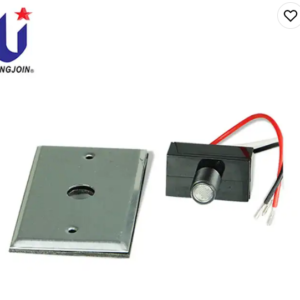
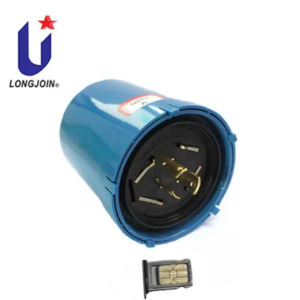
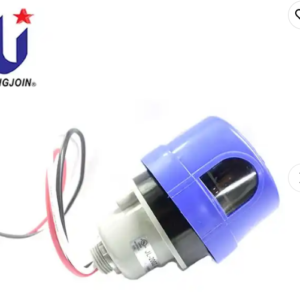
This model lists 0-10V dimming and a 12-24VDC supply. Match the socket pin assignment, auxiliary power supply and LED driver control input. The connector description alone does not establish DALI or D4i compatibility.
Confirm the current sensing coverage diagram, installation height, app settings and IP66 assembly requirements for the selected controller and socket. Request current model-specific certification records for the listed CE, Zhaga and RoHS claims before specifying the product.
Related guidance: Zhaga controllers and components | Smart lighting controls | Selection and installation FAQs

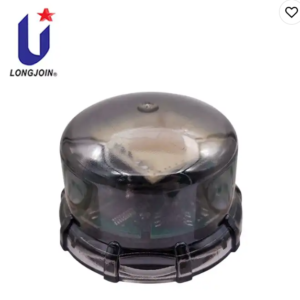
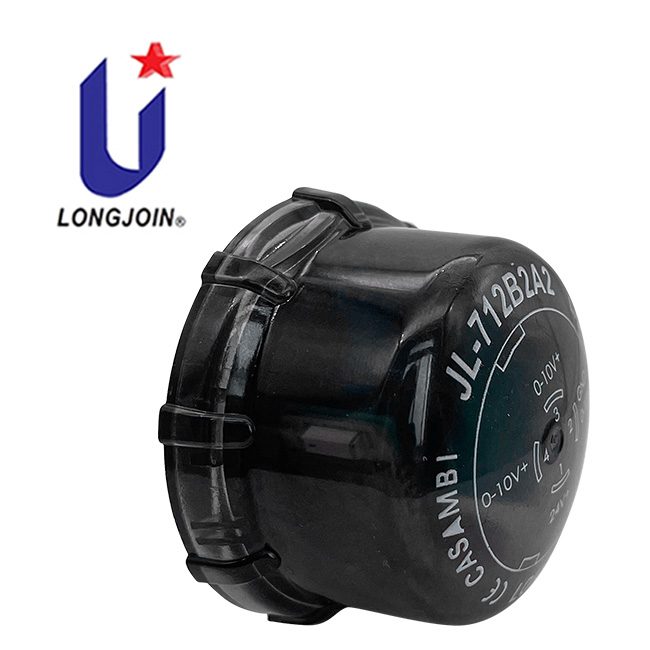
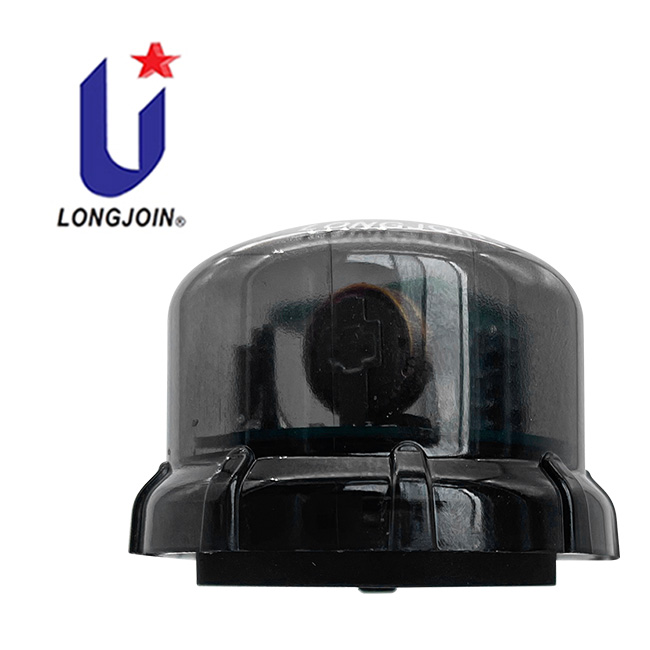
The JL-712B2A2 light controller product is a smart latch type light controller developed based on the Zhaga Book-18 interface standard. It uses a combination of light sensing and microwave sensing sensors, can output 0-10V dimming signals, and support Casambi Bluetooth mesh communication network. It can be controlled by Bluetooth near field, or be controlled remotely by Bluetooth gateway.You can configure parameters and scenarios using the Casambi APP . This light controller is suitable for lighting scenarios such as roads, lawns, courtyards, parks, parking lots, factories, warehouses, etc.
| Power supply | Voltage: 12-24VDC Current: 12V/35mA;24V/25mA |
|---|---|
| Power dissipation | Refer to the confirmed supply-current specification above. |
| Dimming | 0-10V |
| Sensors | Light sensitivity+microwave |
| Spectral range | 800~1100nm |
| Microwave frequency | 5.8GHz |
| Maximum hanging height | 15 meters |
| Induction radius | ≥10 meters |
| Start-up time | <200mS |
| Sensitivity | Default 80%, adjust through APP |
| Scene | Custom scenes can be created and edited through the APP |
| mechanical vibration | IEC60068-2-6 |
| Flammability Level | UL94-V0 |
| Operating Temperature | -40 ℃~70 ℃ |
| Storage Temperature | -40 ℃~85 ℃ |
| Operating Humidity | 5% RH~99% RH |
| IP Level | IP66 |
| Certifications | CE, ZHAGA, ROHS as printed in datasheet 2406V1 — manufacturer declaration, no certificate number is given in this datasheet. ZHAGA here refers to the Book-18 interface; it is not a Zhaga-D4i or DALI-2 certification of this model. Ask us for the current certificate scope for your order. |
Datasheet 2406V1 prints both the supply current (35 mA at 12 VDC, 25 mA at 24 VDC) and power-dissipation figures of <0.385 W (12 V) and <0.55 W (24 V). Use the confirmed supply current above as the selection basis. The power-dissipation figures are a datasheet statement, not a measured consumption value, and this page does not repeat them as a selection figure.
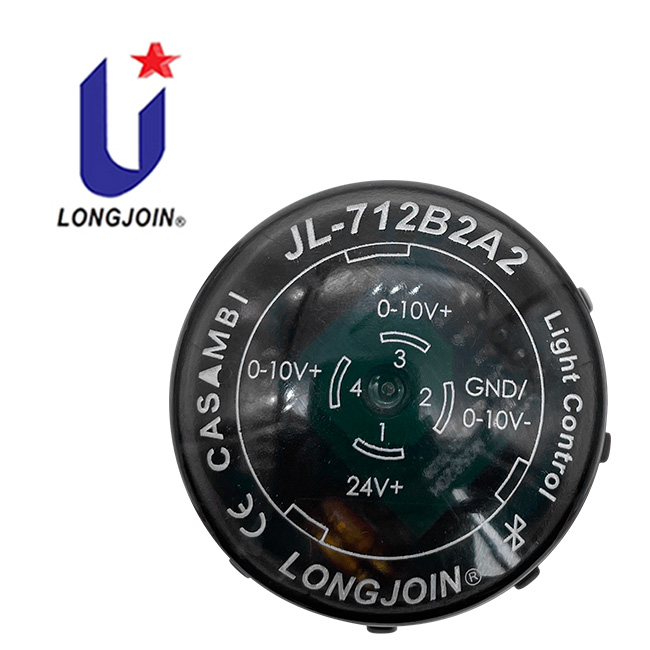
| Pin | Definition | Function |
|---|---|---|
| 1 | 12–24 VDC | Power input |
| 2 | GND / DIM− | Power input |
| 3 | DIM+ (0–10 V+) | Signal output |
| 4 | DIM+ (0–10 V+) | Signal output |
Pins 3 and 4 both output the dimming positive simultaneously. When wiring the socket, either one can be connected to the driver, or both can be connected at the same time. Any unused pin should be insulated. The mating socket determines the conductor colours: in the 700 series socket arrangement shown in the wiring diagram below, brown carries 12–24 VDC, grey carries GND/DIM−, and black or blue carries 0–10 V+.
| Model | Feature (as listed in datasheet 2406V1) |
|---|---|
| JL-700 | Normal |
| JL-700W | Self plugging (no-wire connection) |
| JL-700S | Short threaded |
| JL-700T | Probe |
| JL-710 | AC power |
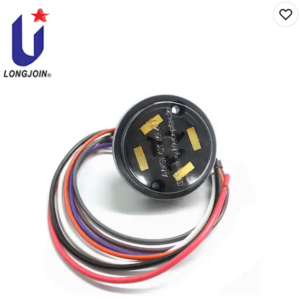
The socket is a separate item and is not supplied with the controller. The controller and the socket are separate scopes of supply: this page covers the controller only. JL-700S and JL-700T have no dedicated page on this site at present — ask us for their drawings and lead time.
| Item | What it means for your order |
|---|---|
| Controller | JL-712B2A2 with the firmware and Casambi network configuration agreed for the project. |
| Socket | Ordered separately from the recommended list above; the socket’s pin arrangement must match pins 1–4. |
| Driver | 0–10 V control input plus an auxiliary 12–24 VDC output, or a separate auxiliary supply. If the driver’s auxiliary negative is separate from its dimming negative, the two must be shorted and connected to pin 2. |
| Driver minimum output | The controller cannot cut the driver’s AC supply. Choose a driver whose output current falls close to 0 mA at minimum dimming, otherwise the luminaire may not switch off completely. |
| Gateway | Near-field Bluetooth control works from the Casambi app. Remote control and site-wide scenes need a Casambi-compatible gateway; confirm the model for your project. |
Datasheet download: JL-712B2A2 English datasheet 2406V1 (PDF) — manufacturer original, 9 pages, including dimensions, pin assignment and installation precautions.


Note: Either the black or blue line can be selected, and it can also be connected in parallel at the same time.
The interface of the product itself has been fool-proof design, the installation only need to tighten the controller directly to the rotatable base, as shown in Figure clockwise after insertion.

Condensed from datasheet 2406V1, pages 8–9. These are the conditions that most often decide whether the product works in a given luminaire.
Detection coverage: datasheet 2406V1 gives a maximum mounting height of 15 m and an induction radius of ≥10 m. The coverage chart plotted for 15 m mounting is not circular — the plotted radius is narrowest on the 60°–120° side and widest around 180°–210°. Plan the mounting position against the chart, not against a single radius figure.